ReEmber is an effortless app for estate settlement, that creates a detailed inventory of a loved one’s belongings from a simple video, turning a process that can take months of disagreements into a clear, fair settlement in just an hour.


Loved by our users





+500 more
Your data is secure. We prioritize your privacy.

Julius S.

Jane L.

Sam S.
When a loved one passes, dividing their belongings fairly becomes one of the most emotionally charged and legally complex challenges a family faces, especially without documentation.
→ Over 44% of family disputes following a death are directly related to the division of physical assets, with settlements taking on average 12-18 months when no inventory exists.
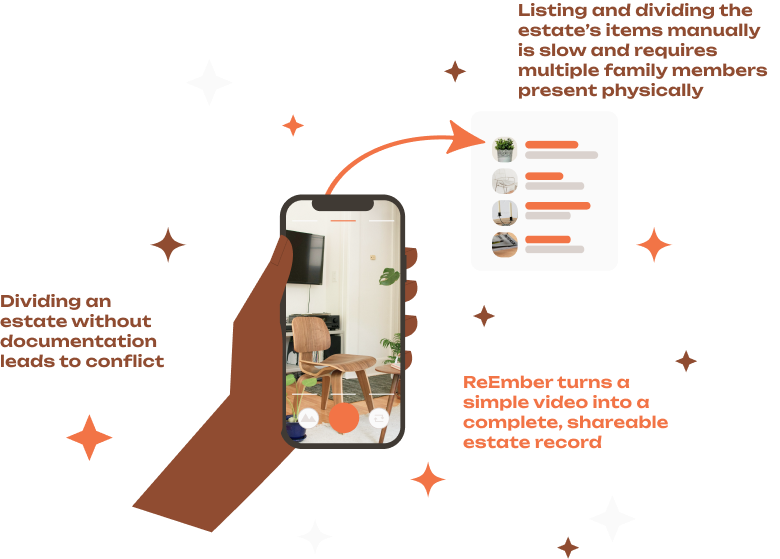

Record a video of every room, drawer, closet, and storage space. We'll save the footage as proof of ownership for the estate.

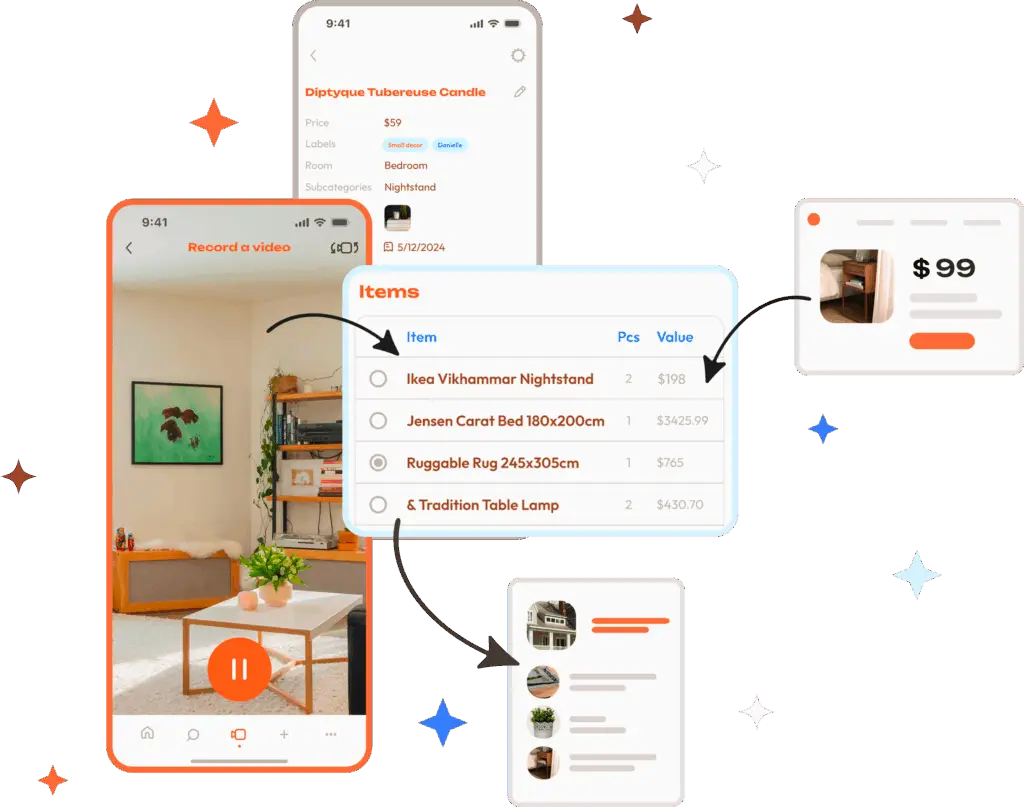
Our AI goes through the video and creates a complete list of all items in the estate. You can edit, add, or flag specific items easily afterwards.
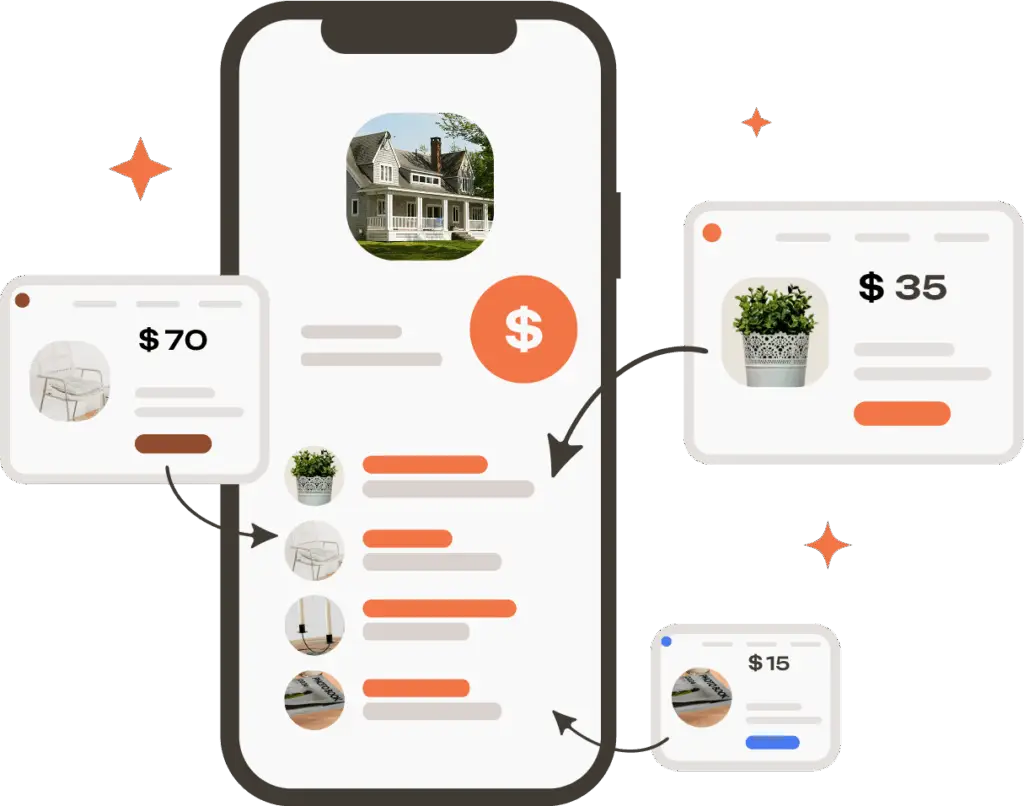
We retrieve current market values for all items automatically. This gives every family member a clear, objective basis for a fair settlement.

We store your inventory safely. When the time comes, export and share it with family members, executors, or lawyers in one click.
Create a complete estate inventory automatically from a video using the newest AI technology. AI recognizes items and lists them for you. Magical isn’t it?
During estate settlements, ownership and value of specific items can be disputed. Item images will be cropped from the video and attached to each item to provide proof automatically.
Build a secure, searchable database of all items in the estate to document everything. See the total number of items and their combined value.
Attach receipts directly to items in the inventory for accurate records and clear proof of purchase during the settlement process.
Get instant market value estimates for all items in the estate automatically. This way nothing gets overlooked or undervalued during the division.
Keep the estate inventory organized with notes, custom tags, categories, and reminders for important updates.
Upload multiple receipts at once, and our AI will match them to the right items in the estate inventory automatically.
*Feature not yet available, coming soon!
Add items to the estate inventory instantly by snapping a photo, no manual entry needed.
Manage multiple homes or properties by separating items into their own inventories. Each property will also be divided into different rooms.
Automatically pull receipts from your email and link them to items in the estate inventory for seamless recordkeeping.
*Feature not yet available, coming soon!
Compare the inventory against proposed distributions to find discrepancies and ensure nothing is overlooked or undervalued during the settlement.
*Feature not yet available, coming soon!
Analyze the full estate inventory with AI to ensure the proposed distribution is truly fair. Chat with AI to ask any questions you have about the process.
*Feature not yet available, coming soon!
Export the complete estate inventory in a spreadsheet format, ready to share with family members, the executor, or lawyers during proceedings.
Get tips on how to prepare an estate inventory, how to document disputed items, and how to minimize family conflict when possible. Get guidance on next steps.
*Feature not yet available, coming soon!
ReEmber is for families managing an estate settlement, executors, estate lawyers, and anyone planning ahead to make the process easier for their loved ones after they’re gone.
Globally, available on both iOS and Android.
Yes, we take your privacy very seriously. Your data is encrypted and stored securely, with a strict no-access policy. We also offer two-factor authentication, which we recommend you to use, to ensure no one can access your data even if your device is stolen.
Yes: the Plus tier will allow 3 users, the Pro tier will allow 5 users in the same inventory. You can easily invite family members, the executor, or a lawyer to access the estate inventory.
We have a 14 day free trial. You’ll be able to add 5 minutes of video content to test the item recognition and see how the inventory works. After the 14 days you can upgrade to a paid subscription if you want to keep the data or add more than 5 minutes worth of video.
Yes! ReEmber is perfect for estates that span multiple properties. You can create separate inventories for each property — a main home, a vacation home, a storage unit — and manage them all in one place. The Pro tier supports multiple properties.
Without ReEmber, manually cataloging an estate typically takes 20+ hours or several days of coordination between family members. ReEmber changes this totally!
Documenting an estate with ReEmber usually takes around an hour, depending on home size, amount of belongings and whether you want to show items one by one for a more detailed list. Showing some items to the video one by one leads to a longer film time, but creates really high accuracy in product recognition: E.g. showing a cabinet full of items probably leaves some non-visible, behind others. In this case only the visible items would be recognized. But if you take some time to show the items at the back, you’ll also get them recognized. So in some situations it’s smart to use extra time.
Some homes have filmed the a whole apartment in 15 minutes, for some it has taken a few hours to show all items. If you want to be really precise with the inventory, we recommend doing it in smaller portions; e.g. one room a day.
A few things are always needed: good lighting, steady movement and not too fast nor too slow pace. But it is up to you, whether you want to quickly show the inside of a cabinet (only the items visible in the front would be recognized), or whether you want to show all the items in the cabinet one by one, resulting in a higher amount of recognized items and a better recognition accuracy.
We recommend showing items one by one especially for more valuable items, such as electronics, jewellery, watches, art, antiques, and designer pieces, to ensure you get an accurate value during the estate settlement.
For items that are fully recognized (item brand and model), we’ll retrieve an exact current market value. For more generic recognitions such as “mug” or “decorative pillow”, an estimate of an average item value is provided.
Yes, you can edit item details, add new items and delete items any time you want. We recommend keeping the inventory up to date any time significant new assets are acquired, to ensure you have up to date footage as proof of ownership. This is especially useful if you are building the inventory ahead of time as part of your estate planning.
Yes, you can add notes, tags, and categories to any item in your inventory. Use these to flag disputed items, add context, or note items with sentimental value, making it easier to work through disagreements with family members or the legal team.
Yes, you can export your inventory to a spreadsheet, which you can share directly with family members, the executor, or estate lawyers. You can choose to export your inventory fully or partially (e.g. one property or room at a time).
Of course, we don’t ever want you to feel like you’re alone!
We are building a help center with useful tips and tricks on our website, you can find that here. If the help center doesn’t answer your questions, you can always contact support in one of three ways:
Yes, we’d appreciate that a lot! We love to hear feedback and feature suggestions and reporting bugs benefits the whole community.
You can just send a message to us through the support chat inside the app, or fill in the support form on the contact page of this website.
By signing up you agree to our terms & conditions and our privacy policy.